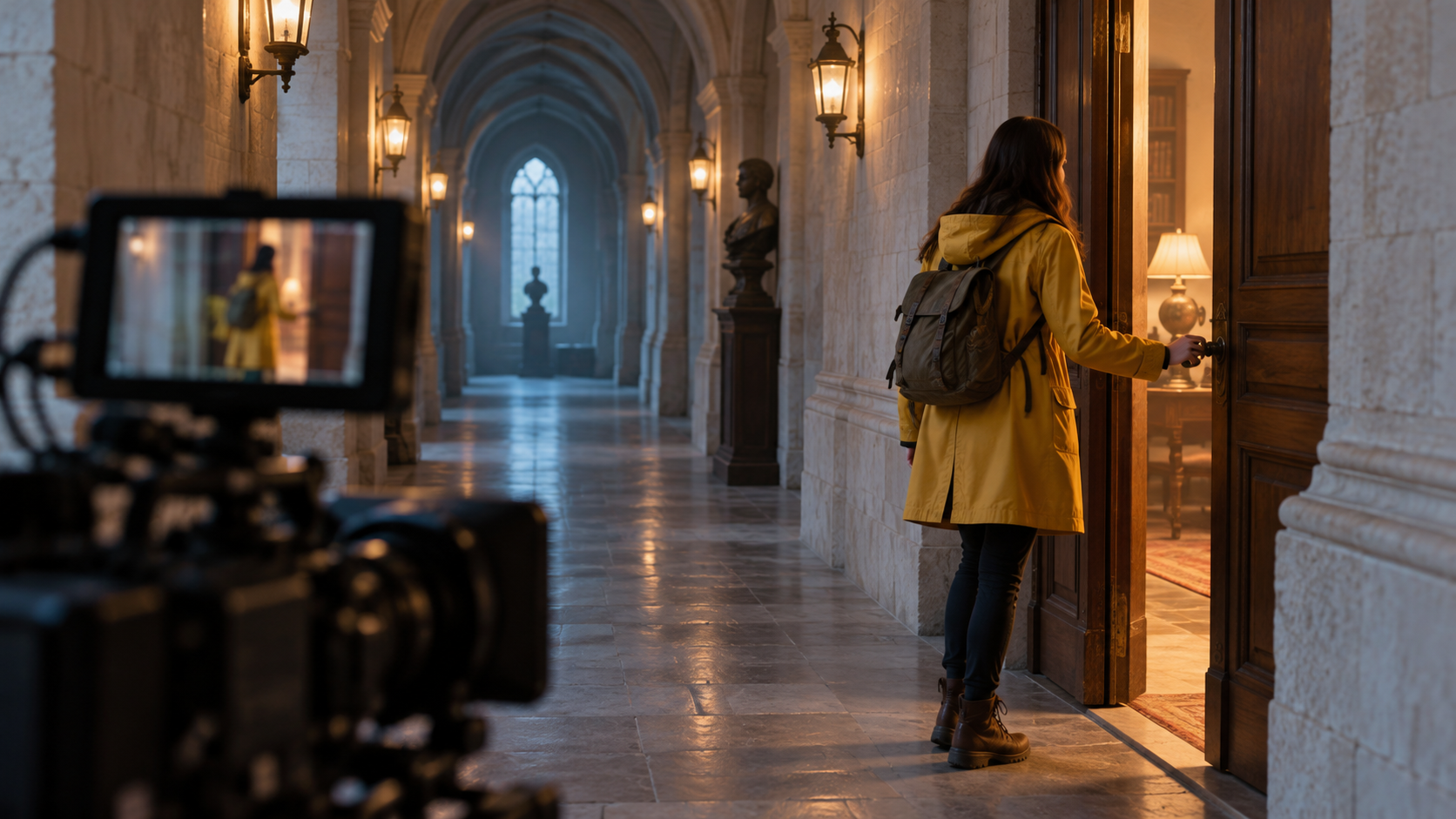
MiniMax H3 Max Turbo is built for the AI video iteration loop: write a prompt, review the result, adjust the direction, and generate again. Faster returns make the process feel more like directing a scene.
The model is a fal Research post-trained variant of the open-weight MiniMax H3 foundation. According to the official Turbo text-to-video documentation, fal tuned it for stronger prompt adherence and better aesthetics while co-optimizing the model with its inference stack for higher throughput. In practical terms, MiniMax H3 Max Turbo aims to follow the brief more closely, produce more attractive footage, and return results fast enough for rapid experimentation.
What Is MiniMax H3 Max Turbo?
MiniMax H3 Max Turbo is not a completely separate foundation model. It builds on MiniMax H3, an open-weight, general-purpose multimodal video model designed to understand different kinds of creative context. fal then applied post-training—a second stage of training after the base model—to improve the qualities people notice in real workflows, especially instruction following and visual appeal.
That distinction matters. A prompt such as “a cyclist crosses a rain-soaked intersection as the camera tracks alongside” combines subject, action, environment, and camera direction. Strong adherence helps preserve those relationships instead of producing an attractive but less relevant clip.
The “Turbo” side is also more than a label. fal says the model and serving system were optimized together. This co-design approach lets researchers evaluate speed changes against output quality instead of treating acceleration as a final deployment step.
MiniMax H3 Max Turbo Features That Matter
Text-to-video with practical shot controls
The text-to-video endpoint turns a written scene into video and exposes the controls most creators need for repeatable testing. The official schema includes duration, 480p or 768p resolution, seed, safety checking, prompt expansion, and six aspect ratios: 21:9, 16:9, 4:3, 1:1, 3:4, and 9:16.
These settings cover cinematic widescreen, standard landscape, square feeds, and vertical social formats. A fixed seed can help teams investigate prompt changes, although generative output should not be treated as perfectly deterministic.
Image-to-video and optional end-frame direction
MiniMax H3 Max Turbo can animate a supplied starting image rather than inventing the full composition from text. The image-to-video endpoint also accepts an optional end image, creating a first-to-last-frame workflow.
This is useful when the opening composition or final visual beat matters. Teams can begin from an approved still or explore motion between two compatible compositions. The model invents the transition, so the best frame pair shares believable subject, geometry, and camera relationships.
Prompt expansion for speed or richer interpretation
The API offers “balanced” and “quality” prompt-expansion modes. fal documents balanced mode as returning in about a second, while quality mode may spend longer building a richer prompt. That gives creators a simple choice: use balanced mode for fast exploration, then test quality mode when a scene needs more detailed interpretation.
The endpoint can also return the expanded prompt, helping developers see how a short brief was translated into production language.
Audiovisual direction in one creative brief
MiniMax H3 is an audiovisual foundation, and fal says H3 Max preserves the base model’s core capabilities after post-training. The official Turbo playground example expands a single prompt into visual shots, sound effects, and music direction. This makes it natural to describe not only what the viewer should see, but also ambience, dialogue delivery, foley, and pacing.
For important dialogue or lip-sync work, review the result carefully. Native audiovisual generation does not remove creative quality control.
MiniMax H3 Max Speed and Evaluation Evidence
fal’s H3 Max launch report says the non-Turbo H3 Max generated a five-second video in under three seconds in its tests. The company also reports that H3 Max ranked first across overall quality, prompt understanding, and aesthetics in its head-to-head human-preference evaluation against 12 leading video models.
Those results are useful context for the training approach behind MiniMax H3 Max Turbo, but they should not be presented as a separate Turbo benchmark. The current Turbo documentation confirms its higher-throughput positioning and exposes backend inference timing in the output schema, yet it does not publish a standalone controlled evaluation for the Turbo endpoints. Real user latency may also include prompt expansion, queueing, safety checks, uploads, and delivery.
The practical takeaway is straightforward: test the model with your own prompts and measure the complete workflow, not only the denoising time reported by the backend.
Where MiniMax H3 Max Turbo Fits Best
The model is especially compelling for tasks that benefit from several fast creative passes:
Previsualization for ads, title sequences, music concepts, and short narrative scenes
Social video in landscape, square, or vertical formats
Product-motion studies based on an approved starting image
First-to-last-frame transitions for reveals and scene changes
Rapid testing of camera movement, lighting, action, and sound direction
Interactive creative tools where a shorter feedback loop improves the user experience
It is less suited to workflows that demand guaranteed frame-level consistency, perfectly rendered text, or deterministic physical behavior. Treat every result as generated footage that needs review.
How to Prompt MiniMax H3 Max Turbo
Write the prompt like a compact shot brief. Start with one clear subject and one observable action. Add the setting, a single main camera move, lighting, pacing, and the intended sound. If an image is supplied, state what must remain recognizable and what is allowed to move.
For example:
“A glass perfume bottle stands on wet black stone. The camera makes a slow 30-degree arc as dawn light catches the edges. Fine mist drifts behind the bottle; the label and silhouette remain stable. Quiet water droplets, no music, no on-screen text.”
This structure gives the model fewer conflicting decisions and gives the creator a precise checklist for reviewing the output.
Try MiniMax H3 Max on SeeAPI
The clearest way to judge a video model is to give it a real scene. Open the MiniMax H3 Max video generator on SeeAPI, choose text-to-video or image-to-video, and begin with one focused shot. Test subject fidelity, action, camera direction, ending, and sound before increasing complexity.
MiniMax H3 Max Turbo is most interesting not because “Turbo” promises speed on its own, but because fal connects that speed to post-training for prompt adherence and aesthetics. For creators, that combination can shorten the distance between an idea and a usable visual direction. For developers, it points toward responsive video products where generation becomes part of the interaction instead of a long background job.